Apple has warned iPhone users of active attacks exploiting web vulnerabilities. This article explains the risk, impact, and why immediate updates matter.
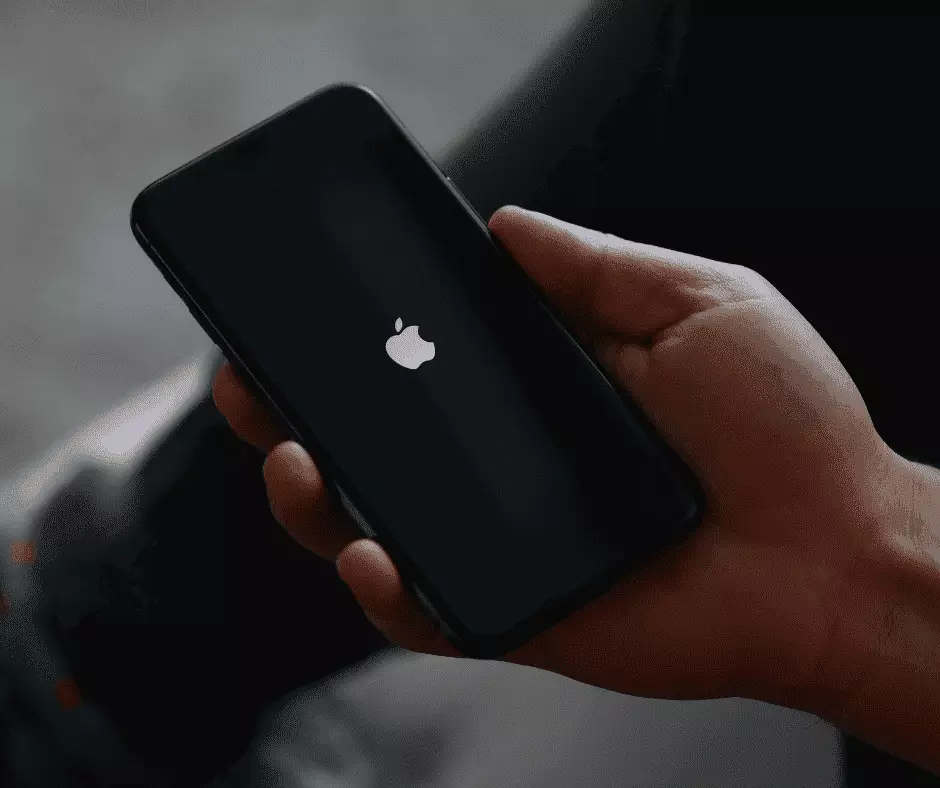
In January 2026, Apple issued an urgent security warning to iPhone and iPad users worldwide. The company confirmed that active cyberattacks were exploiting vulnerabilities already present on some devices. This was not a theoretical risk or a routine update cycle. It was a response to real-world exploitation affecting users who had not yet installed the latest software.
Apple’s message was clear. Devices running outdated versions of iOS were exposed, and updating was the primary line of defence.
Where the Vulnerability Originated
The security issue traces back to WebKit, the core engine responsible for displaying web content on iPhones and iPads. WebKit underpins Safari and every other browser permitted on iOS. As a result, a weakness in WebKit impacts the entire browsing environment rather than a single app.Researchers discovered that certain malicious web pages could exploit flaws in WebKit to execute harmful code on a device. In practical terms, this meant an attacker could gain access simply through normal web activity, without the user downloading software or approving permissions.
Apple acknowledged that these vulnerabilities had already been used in targeted attacks before fixes were widely deployed.
Why Web-Based Attacks Are Especially Concerning
Many digital threats depend on human error. Phishing emails, suspicious downloads, or misleading links often require a user to make a mistake.This case was different.
The vulnerabilities allowed attacks to occur during ordinary browsing sessions. That significantly lowers the barrier for exploitation and increases potential exposure. Security specialists categorise these flaws as zero-day vulnerabilities, meaning they were used before a fix was publicly available.
Once details of such vulnerabilities become known, attackers frequently automate scanning for unpatched devices. At that stage, delays in updating carry measurable risk.
Apple’s Response and the Role of Software Updates
Apple released security updates that addressed the WebKit flaws along with related system vulnerabilities. For newer devices, the fixes were delivered through iOS 26.2. Older supported devices received equivalent security patches through their latest compatible versions.Alongside the update guidance, Apple advised users to restart their devices. Restarting helps terminate any suspicious processes already running in memory. While this step does not resolve the underlying vulnerability, it reduces immediate exposure until the update is installed.
The update itself remains the definitive protection.
Why Many Devices Remain Unpatched
Despite the severity of the warning, a large number of devices continue to operate on earlier versions of iOS. This pattern is not unusual.Some users delay updates due to concerns about battery performance or interface changes. Others prefer familiar software and postpone upgrades until they feel unavoidable. In many cases, updates are simply deprioritised amid daily routines.
Security risks, however, do not wait for convenience. Once attackers know which versions remain vulnerable, older software becomes a predictable target.
What This Means for Personal Data
Modern smartphones store extensive personal and sensitive information. Messages, photos, passwords, financial applications, and authentication tools all depend on the integrity of the operating system.When a vulnerability allows remote code execution, attackers may gain the ability to observe activity, extract data, or interfere with secure applications. The consequences extend far beyond browsing history.
Installing security updates promptly closes these gaps before exploitation can escalate.
Implications for Work and Business Use
Phones increasingly serve as gateways to professional systems. Email access, shared documents, internal platforms, and customer data often reside on the same device used for everyday communication.A compromised phone can become an entry point into broader organisational systems. For businesses, this reinforces the importance of updating policies and device hygiene standards. Encouraging timely updates across teams reduces collective risk and strengthens operational resilience.
What Users Should Do Now
Users should confirm they are running the latest software version available for their device. This can be done through the software update section of the device settings.Enabling automatic updates helps maintain protection, but manual checks remain important when high-risk vulnerabilities are disclosed. Updating promptly reduces exposure and limits the effectiveness of known attack methods.
How Interactive Partners Supports Secure Digital Systems
At Interactive Partners, we design and build digital platforms with long-term security in mind. Strong systems are maintained, updated, and structured to reduce risk as technology evolves.If your organisation needs digital solutions that balance performance, usability, and security, we are ready to help.
Talk to Interactive Partners about building digital systems designed for trust and resilience.
Share this post
Subscribe to get exclusive content
Connect with Us
Are you ready to partner with a team committed to turning your business challenges into opportunities? Let’s build something extraordinary together!